
Intshayelelo
The Avantree NB16-Q Bluetooth 5.2 Neckband Earbuds are designed for comfortable and secure audio experiences across various devices. Featuring Qualcomm aptX Adaptive technology, these earbuds deliver clear sound and stable connections. With an extended playtime of up to 20 hours per charge, they are suitable for prolonged use with phones, smart TVs, and PCs.
Yintoni ekwiBhokisi
- Avantree NB16-Q Neckband Earbuds
- Intambo yokutshaja yohlobo C (1.6ft / 0.5m)
- Extra Earbuds Tips (S, L)
- 2 Sets of Ear Hooks
- Incwadi yokusebenzisa
Product Overview & Izilawuli
The NB16-Q earbuds feature an ergonomic neckband design for comfort and stability. Key controls are integrated for easy access to volume, playback, and call management.

Comfortable & Secure Design: The lightweight neckband ensures all-day comfort and keeps earbuds secure, reducing the risk of loss.
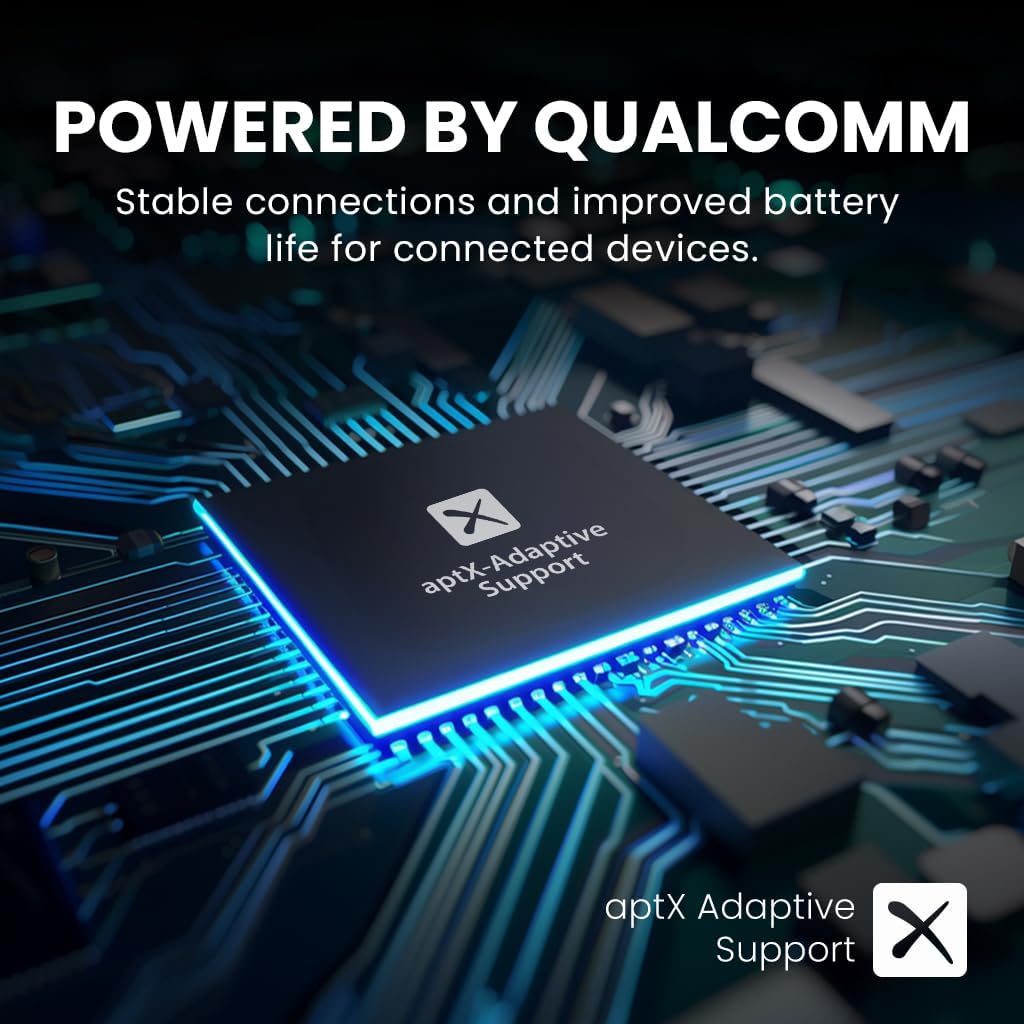
Powered by Qualcomm: Equipped with an advanced Qualcomm chipset and aptX Adaptive support for clearer sound and stable connections.

Ixesha lokudlala elongezelelweyo: Enjoy up to 20 hours of uninterrupted audio on a single charge.

Ukuhambelana okubanzi kweTV: Connect directly to Smart TVs with built-in Bluetooth or use an Avantree Bluetooth transmitter (e.g., Audikast 3 or Oasis Plus 2) for standard TVs.

Add-on Earbuds: The NB16-Q can be used as add-on earbuds for compatible Avantree transmitters like Audikast 3, 4186-Q, and 41866-Q.
Ukuseta kunye nokuMatanisa
To begin using your Avantree NB16-Q earbuds, ensure they are charged and then follow the pairing instructions for your desired device. The earbuds are designed for easy connection to phones, smart TVs, and PCs.
Ukudibanisa kokuqala
- Power on the NB16-Q earbuds.
- Place the earbuds in pairing mode (refer to the included user manual for specific button combinations).
- On your device (phone, smart TV, or PC), navigate to the Bluetooth settings.
- Khangela i and select 'Avantree NB16-Q' from the list of available devices.
- Nje ukuba ziqhagamshelwe, ii-earbuds zilungele ukusetyenziswa.
Imiyalelo yokusebenza
The NB16-Q earbuds feature intuitive controls for managing your audio and calls. The inline remote allows for easy adjustment without needing to access your connected device.
Ulawulo loCingo
- Phendula/Cima umnxeba: Cofa iqhosha lemisebenzi emininzi kube kanye.
- Yala umnxeba: Cinezela kwaye ubambe iqhosha lemisebenzi emininzi imizuzwana eli-2.
Ukudlala okuvakalayo
- Dlala/Misa: Cofa iqhosha lemisebenzi emininzi kube kanye.
- Umthamo phezulu/Ezantsi: Sebenzisa amaqhosha evolyum anikezelweyo.
- Ingoma Elandelayo/Edlulileyo: Press and hold the volume up/down buttons respectively.
Ukutshaja
To ensure optimal performance and battery life, charge your Avantree NB16-Q earbuds regularly. A full charge provides up to 20 hours of playtime.
Inkqubo yokuTjaja
- Locate the Type C charging port on the earbuds.
- Connect the provided Type C charging cable to the earbuds and a compatible USB power source.
- The charging indicator light will illuminate (typically red) during charging.
- Charging takes approximately 2 hours for a full charge. The indicator light will change or turn off once charging is complete.
Ukuhambelana
The Avantree NB16-Q earbuds offer broad compatibility for various audio sources:
- Smart TVs: Pair directly via built-in Bluetooth.
- Standard TVs: Requires an external Avantree Bluetooth transmitter (e.g., Audikast 3 or Oasis Plus 2) for connection.
- Iifowuni kunye neetafile: Compatible with most Bluetooth-enabled mobile devices.
- IiPC: Connect via built-in Bluetooth or an external Bluetooth adapter.
- Avantree Transmitters: The NB16-Q is compatible as an add-on earbud with Audikast 3, 4186-Q, and 41866-Q transmitters. It is not compatible with older versions like 4186 and 41866.
Iinkcukacha
| Uphawu | Iinkcukacha |
|---|---|
| Igama loMfanekiso | NB16 |
| Inguqulelo yeBluetooth | 5.2 |
| Itekhnoloji yoQhagamshelwano | Wireless |
| ITekhnoloji yoNxibelelwano olungenazingcingo | ibluetooth |
| Ubomi Bebhetri | Iiyure ezi-20 |
| Ixesha lokuTjaja | Iiyure ezi-2 |
| Ulawulo lwengxolo | Ukwahlukaniswa Kwesandi |
| Uhlobo lomqhubi womsindo | Umqhubi weDynamic |
| Imilo yeEarpiece | Endlebeni |
| Indlela yokulawula | Chukumisa |
| Ubunzima bento | Iigram ezingama-100 (ii-ounces ezi-3.53) |
| Imilinganiselo yeMveliso | 2 x 3.94 x 4 intshi |
Isondlo
To maintain the longevity and performance of your NB16-Q earbuds:
- Keep the earbuds clean and dry. Wipe with a soft, dry cloth as needed.
- Kuphephe ukubeka ii-earbuds kumaqondo obushushu aphezulu okanye elangeni ngokuthe ngqo ixesha elide.
- Gcina kwindawo epholileyo, eyomileyo xa ingasetyenziswa.
- Replace earbud tips as necessary for hygiene and optimal fit.
Ukulungisa ingxaki
If you encounter issues with your NB16-Q earbuds, try the following:
- Akukho sandi: Ensure the earbuds are charged, properly paired, and the volume is turned up on both the earbuds and the connected device.
- Awukwazi ukuBhanqa: Make sure the earbuds are in pairing mode and within range of your device. Try restarting both the earbuds and your device.
- UQhagamshelwano Lwethutyana: Ensure there are no obstructions between the earbuds and your device. Move closer to the device.
- Imiba yentlawulo: Verify the charging cable is securely connected and the power source is functional.
Iwaranti kunye neNkxaso
Avantree products are designed for reliability and performance. For warranty information, technical support, or any inquiries regarding your NB16-Q earbuds, please visit the official Avantree website or contact their customer service directly. The included user manual also contains detailed support contact information.